AI Agents 2026: What They Actually Do Now (And What to Skip)
GmoArena participates in affiliate programs including the Amazon Services LLC Associates Program. We may earn a commission from qualifying purchases made through links on this page, at no additional cost to you.
Most people still think of AI as a chat box. You type a question, it types an answer, and that is the end of the transaction. That description stopped being accurate somewhere in the middle of this year.
What AI agents 2026 has delivered is software that finishes tasks instead of describing them. It plans several steps ahead, uses tools, checks its own output, and comes back when the job is done or when something genuinely needs a human decision. That is a different product category, and it changes what hardware is worth owning.
This guide covers what agents actually do now, what you need to run one yourself, what is still overhyped, and what to check before spending money on any of it.
What Changed This Year
Three things happened at roughly the same time, and together they matter more than any single model release.
Running AI got dramatically cheaper. Per-token pricing fell sharply across the major providers. Workloads that were uneconomical in early 2026, such as continuous monitoring and long-running background tasks, are now cheap enough to leave running permanently.
Agents moved into products people already use. Task-running agents are now built into mainstream consumer and business software rather than sitting in research previews. That is why the shift feels sudden even though the underlying work took years.
Long-running autonomy became practical. Agents now complete multi-day tasks, including real software projects, without a human approving every step. Reliability is not perfect, but it crossed the line from demo to useful.
What AI Agents Actually Do Now
Stripped of marketing language, here is the honest capability list.
They handle multi-step research well. Give an agent a question that requires checking eight sources and reconciling them, and it will do that properly.
They handle repetitive file and data work well. Renaming, sorting, extracting, reformatting, moving things between services. This is where agents save the most time for the least risk.
They handle scheduled background jobs well. Checking a site every hour, watching a price, summarising an inbox each morning. This is the most underrated use and the easiest to set up.
They are unreliable on anything involving money, permissions, or irreversible actions without supervision. An agent that can send emails, delete files, or make purchases needs a confirmation step. Businesses adopting agents at scale are spending real budget on audit logs and permission controls for exactly this reason.
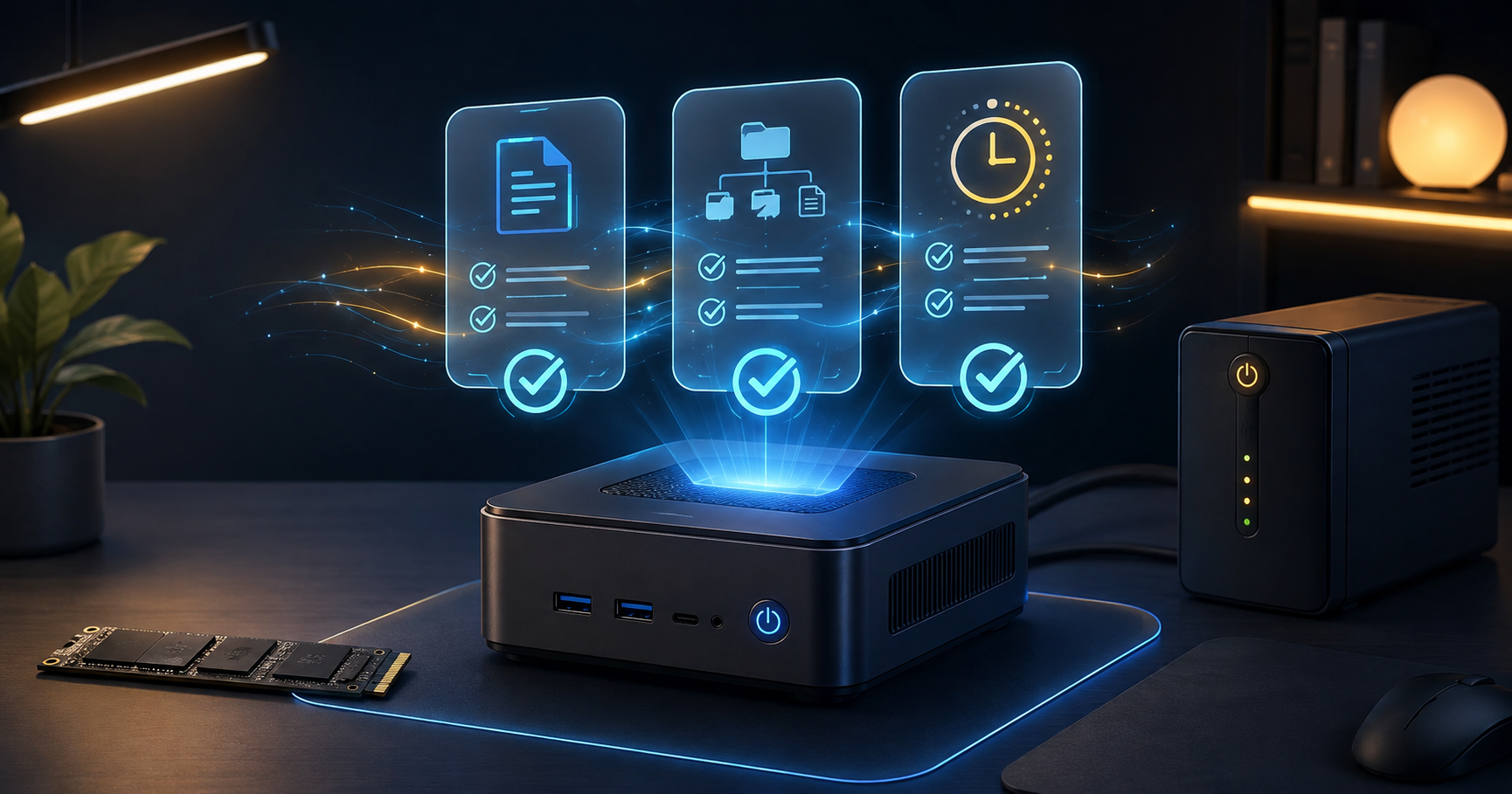
A Mini PC That Can Stay On
This is the core purchase if you want agents running on your own hardware. An agent that only runs when your laptop is open is not an agent, it is a script you have to remember to start.
A mini PC with 32GB of RAM handles agent workloads comfortably, draws very little power, and is small enough to sit behind a router permanently. RAM matters more than raw processor speed here, because several tools and containers run at once.
Power draw is worth checking for anyone dealing with loadshedding. A machine pulling 15 watts runs on a modest UPS for hours. A full desktop does not.
What to check: 32GB RAM minimum, idle power draw, and whether the RAM is upgradeable rather than soldered.
A Fast NVMe SSD
Agent workloads are read-heavy in short bursts. Model files, container images, cached data and logs all get hit constantly, and a slow drive shows up as everything feeling sluggish rather than as one obvious failure.
1TB is the sensible floor once you are storing model files locally. 2TB if you plan to keep multiple models available.
Endurance matters more than it does on a normal desktop. A machine running background jobs around the clock writes considerably more data than one that sleeps every night.
What to check: NVMe rather than SATA, sequential read speed, and the TBW endurance rating.
A UPS
Unglamorous and the item most people skip. A machine running background jobs around the clock will eventually be interrupted mid-write, and the failure mode is a corrupted database rather than a lost file.
You are not trying to keep working through an outage. You need enough runtime for a clean automatic shutdown, which for a low-power mini PC means even a small unit covers it comfortably.
What to check: capacity in VA against your actual draw, and USB connectivity so the machine can trigger its own shutdown.
An External Drive for Backups
Agents generate and modify files without you watching. That is the entire point, and it is also the risk. A weekly automated backup to an external drive is the cheapest insurance available.
Keep it on a drive the agent has no write access to. A backup that an agent can reach is not a backup.
What to check: capacity at least twice your internal storage, and USB 3.2 or better so backups finish quickly.
Check external drives on Amazon
A Raspberry Pi for Light Jobs
If your intended use is scheduled tasks and notifications rather than running models locally, a Raspberry Pi 5 with 8GB does the job for a fraction of the cost and a fraction of the power.
It will not run a large model locally. It will happily run scheduled automation that calls a cloud model when needed, which is what most people actually want.
What to check: the 8GB version, an official power supply, and active cooling if it will run continuously.
Check Raspberry Pi kits on Amazon
What to Skip
Being honest about what not to buy is as useful as recommendations.
An expensive GPU, for now. Unless you specifically intend to run large models locally, agent workloads are mostly waiting on network calls rather than computing. The money is better spent on RAM and storage.
Multiple paid AI subscriptions. Quality differences at the top end are far smaller than the marketing suggests, and pricing keeps falling. One subscription plus API access covers almost every realistic use.
AI-powered consumer gadgets. Most add a voice assistant to a product that did not need one. The functionality is usually already on the phone in your pocket.
Agent orchestration platforms, at your scale. Tools for managing large teams of agents are genuinely useful if you run twenty of them. If you run one or two, they add cost and complexity with no return.
Rushing to switch models. New releases are shipping faster than anyone can evaluate them properly. Pick something that works and revisit in six months.
Browse all recommended home server and AI hardware
Buying in Pakistan and India
Counterfeit storage is the main risk. Fake NVMe drives and memory cards advertising capacity they cannot deliver are widespread in South Asian markets. The drive reports the advertised size and fails silently once you exceed the real capacity, which is the worst possible failure mode for a backup.
Buy storage and power equipment from authorised sellers. These are the two categories where a cheap unit causes damage rather than mild inconvenience.
Factor in import duties. A mini PC that looks reasonably priced abroad can arrive substantially more expensive. Check local availability before assuming an imported unit is cheaper.
Electricity cost is part of the decision. A machine running continuously has a monthly running cost. Low-power hardware is not just convenient here, it changes the maths on whether self-hosting beats a cloud subscription at all.
What are AI agents in simple terms?
An AI agent is software that can plan and complete a multi-step task on its own rather than answering a single question. It decides what steps are needed, uses tools such as web search or file access to carry them out, checks whether the result is correct, and only involves a person when something is ambiguous or risky. The practical difference from a chatbot is that you describe an outcome rather than a next step.
Do I need special hardware to use AI agents 2026 tools?
No, not for cloud-based services, which run entirely on the provider’s infrastructure and work from any device with a browser. Hardware only matters if you want agents running continuously on your own machine or want to keep your data local. In that case a low-power mini PC with 32GB of RAM and a fast NVMe drive covers almost every realistic home or small business use.
Is it safe to let an AI agent access my files and accounts?
It depends entirely on what permissions you grant. Read-only access to files and folders carries limited risk. Write access, email sending, and anything involving payments should always sit behind a confirmation step, because agents can misinterpret an instruction and act on it quickly. Start with read-only permissions, add capabilities individually as you build trust, and keep a backup the agent cannot reach.
Will AI agents replace the apps I already use?
Not in the near term. The clearer pattern is agents sitting on top of existing apps and operating them rather than replacing them outright. Most people will encounter agents as a new capability inside software they already have rather than as a separate product they choose to install.
The Short Version
AI agents 2026 has been the year the technology stopped being a demo. Agents now finish real multi-step work, running them costs far less than it did, and they are turning up inside mainstream software rather than only in research previews.
If you only want to use them, you need nothing beyond a browser. If you want to run them yourself, buy a low-power mini PC with 32GB of RAM and a fast NVMe drive first, add a small UPS and an external backup drive, and skip the GPU until you have a specific reason for one.
Grant permissions gradually, keep a backup the agent cannot touch, and ignore the pressure to switch models every few weeks. The useful part of this technology is boring, repetitive background work, and that is exactly where it earns its place.
For more technology guides and buying advice, visit GmoArena’s Technology section.
Sources and Further Reading
- Published 2026 reporting on model pricing changes across major AI providers
- Industry surveys on enterprise AI adoption rates and measured return on investment
- Manufacturer specifications for mini PC power consumption and NVMe endurance ratings
About this article: Written by the GmoArena editorial team covering global celebrity culture, mobile technology, travel destinations, and the stories that matter.